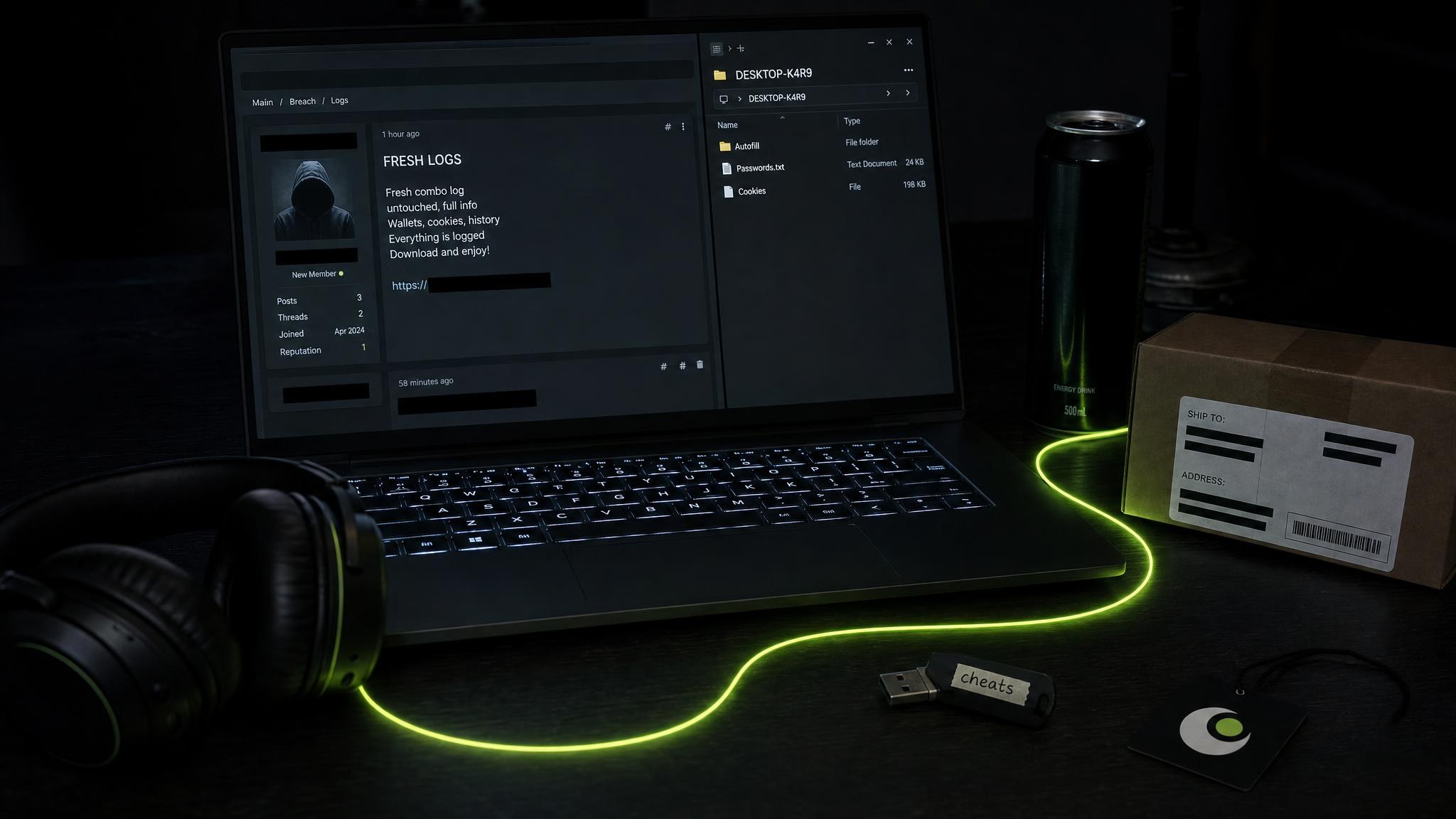
To find out whether your company's logins are in stealer logs, search two things: your email domain, and the hostnames your staff sign in to. Then rank every hit by how recently it was collected, which of your URLs the credential was entered on, and whether session cookies were taken with it. Most of what turns up will come from computers the company never managed: a family laptop, a contractor's own machine, a personal browser profile that synced a work password. Resetting the password closes only part of the problem. Sessions have to be revoked as well, and sign-in has to stop accepting a password on its own from a device nobody vouches for.
The leak starts on machines you never managed
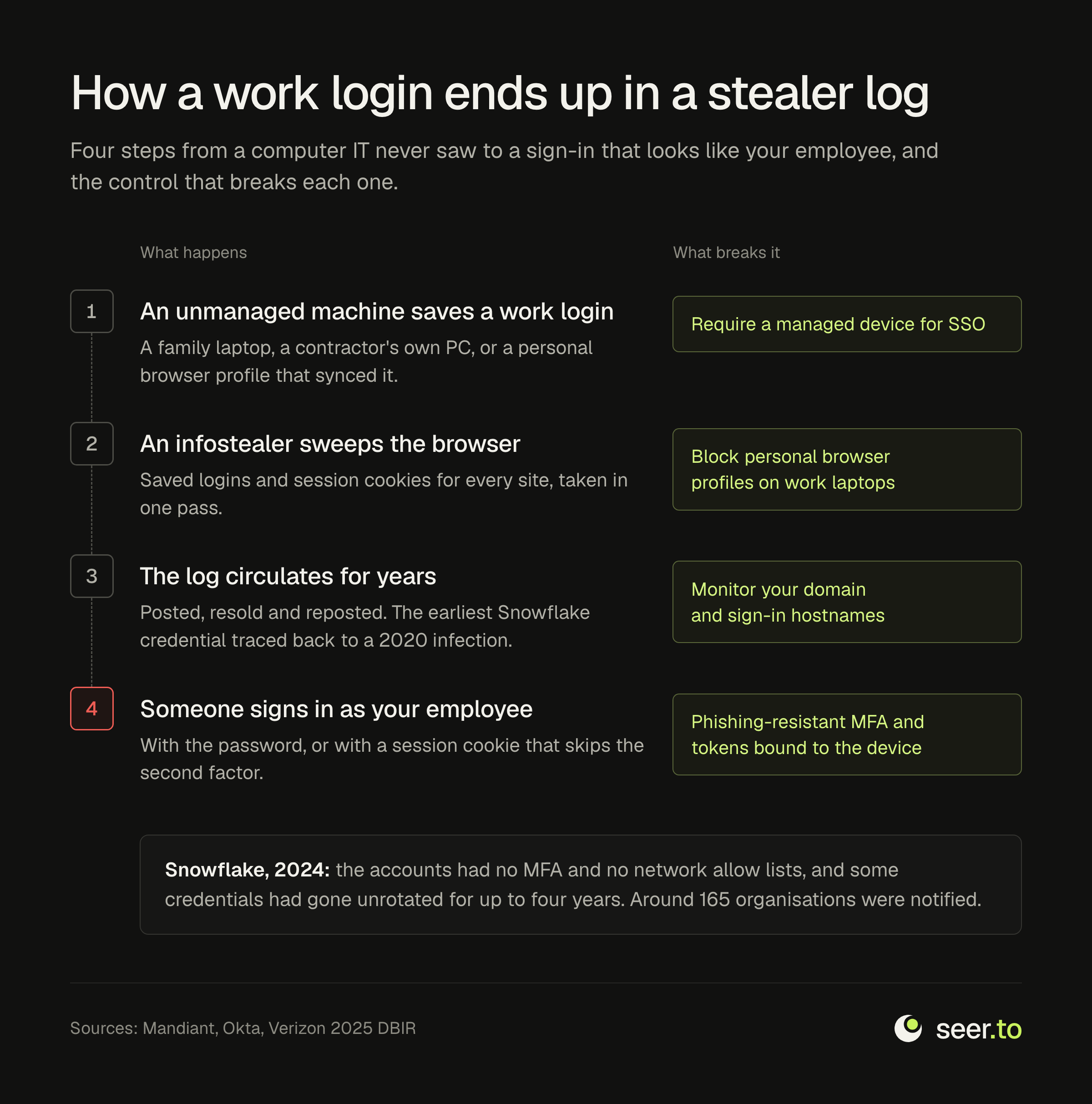
An infostealer needs no foothold in your network. One browser that has seen a work login is enough. Verizon's 2025 Data Breach Investigations Report analysed infostealer credential logs. It found that 30% of the compromised systems could be identified as enterprise-licensed devices. Of the systems whose stolen data included corporate logins, 46% were non-managed and held both personal and business credentials. Nearly half of that exposure sat on hardware that no endpoint agent, patch policy or security team ever saw.
It usually happens in one of three ordinary ways.
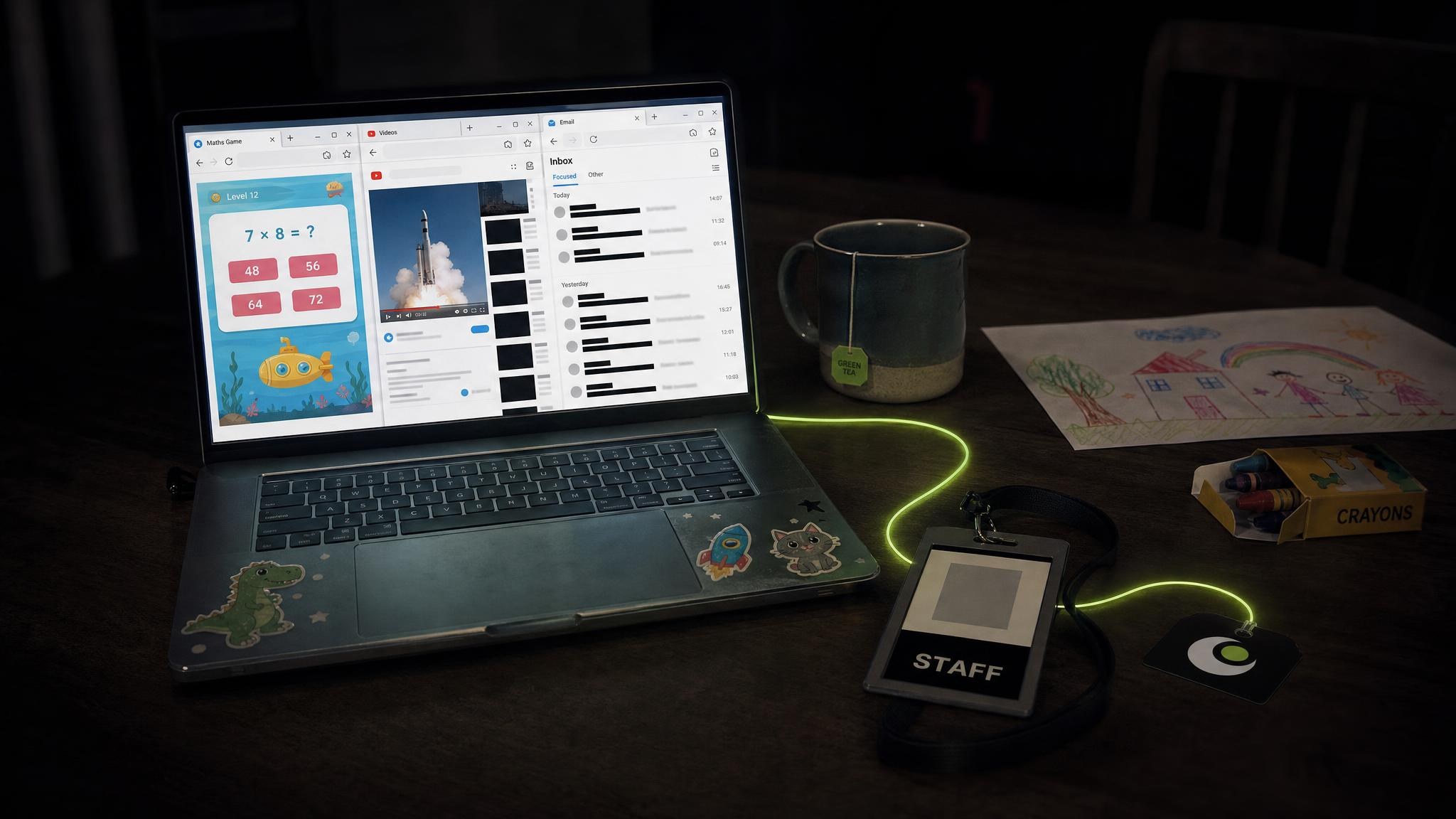
- The shared family computer. An employee checks email or approves something on the home machine, and the browser saves the login. Everyone else who uses that computer, and everything they install, now shares the risk.
- The personal browser profile. Signing a personal profile into the browser on a work laptop syncs saved work passwords to a personal account, and from there to every device on that account. Okta's root cause analysis of its October 2023 support-system breach found exactly this. An employee had signed in to a personal Google profile in Chrome on an Okta-managed laptop, and the username and password of a service account had been saved into it. Okta judged the most likely route of exposure to be the compromise of that personal account or of a personal device.
- The contractor's own laptop. Contractors are often given the same access as staff and none of the device requirements. Their machines are their own, and so are their downloads.
What the Snowflake campaign showed
The clearest example of the pattern is the 2024 campaign against Snowflake customers. In June 2024 Mandiant published its findings on the group it tracks as UNC5537. The credentials the group used came mainly from infostealer infections on systems Snowflake did not own. In several investigations the first infection was on a contractor's computer that was also used for gaming and for downloading pirated software.
The details are what make the campaign instructive for anyone running a company.
- The earliest infection linked to a credential used in the campaign dated back to November 2020.
- At least 79.7% of the accounts used had prior credential exposure.
- The affected accounts had no multi-factor authentication, so a username and password were enough to get in.
- The affected instances had no network allow lists restricting access to trusted locations.
- In many cases the credentials had not been rotated for as long as four years.
- Mandiant and Snowflake notified around 165 potentially exposed organisations.
No vulnerability was exploited. The logins had been circulating for years, and they still worked. In August 2026 Connor Moucka, one of two people charged over the campaign, pleaded guilty, admitting to using logins stolen by infostealer malware to get into Snowflake customer accounts that lacked MFA. Snowflake has since announced a phased plan to block sign-ins that use a password alone.
What to search for
Finding a company's exposure in stealer logs takes two different questions, and most teams ask only the first.
Logins that use your email domain
A search on your email domain finds staff whose work address was saved as a username anywhere at all. That includes the corporate sign-in page, but also the conference registration site, the supplier portal and the personal shopping account opened with a work address. Each hit tells you a work identity was on an infected machine, and that machine's other saved logins are the ones worth reading next.
Logins entered on your own hostnames
A search on your hostnames finds credentials typed into your sign-in pages, whichever address was used to log in. That catches contractors and partners using their own email, staff signing in with a personal address, and customers of your own product. List the hostnames before you search.
- The sign-in page of your SSO or identity provider.
- The VPN or remote-access gateway.
- Admin panels, webmail and any internal tool that can be reached from the internet.
- SaaS tenants that carry your company's name but sit on the vendor's domain, such as an identity provider, chat, ticketing or data warehouse tenant. These are easy to miss precisely because they are not under your own domain.
Seer's device records can be searched by either a domain or an email domain, and each result comes with counts of unique, corporate and personal credentials, unique domains and reused passwords. Breached credentials answer a related question, which work addresses appeared in service breaches. That is a smaller risk with a smaller response, and the difference is set out in how to check if your information has been leaked.
How to triage a hit
A domain with any history will return more than one hit. Rank them before acting on them.
How recently it was collected
The dates on stealer records are collection dates: when an archive was posted, and when it reached an index. They are not infection dates, and nothing in the material says when a machine was actually swept. A log posted last month can describe a machine infected a year earlier. Use recency to order the queue, never to dismiss an item. The Snowflake credentials were years old and still opened the door. The test that matters is whether the credential still works. In practice that means asking whether the password has been changed since, and whether the account now requires a second factor.
Which URL it was entered on
A credential captured on the SSO page, the VPN gateway or an admin panel is a direct way in, and it goes to the top of the queue. A login to a SaaS tenant comes next, because it reaches company data without touching your network. A work address used on an unrelated consumer site comes last, though it still matters if the same password was used anywhere else.
Whether session cookies were taken
A session cookie is issued after sign-in, so replaying it skips the password and the second factor together. A capture holding live cookies for your SSO or a SaaS tenant is the most urgent item on the list, and a password reset alone does not end it. There is a longer account of why in stealer logs are the easiest path to a data breach.
What else the machine held
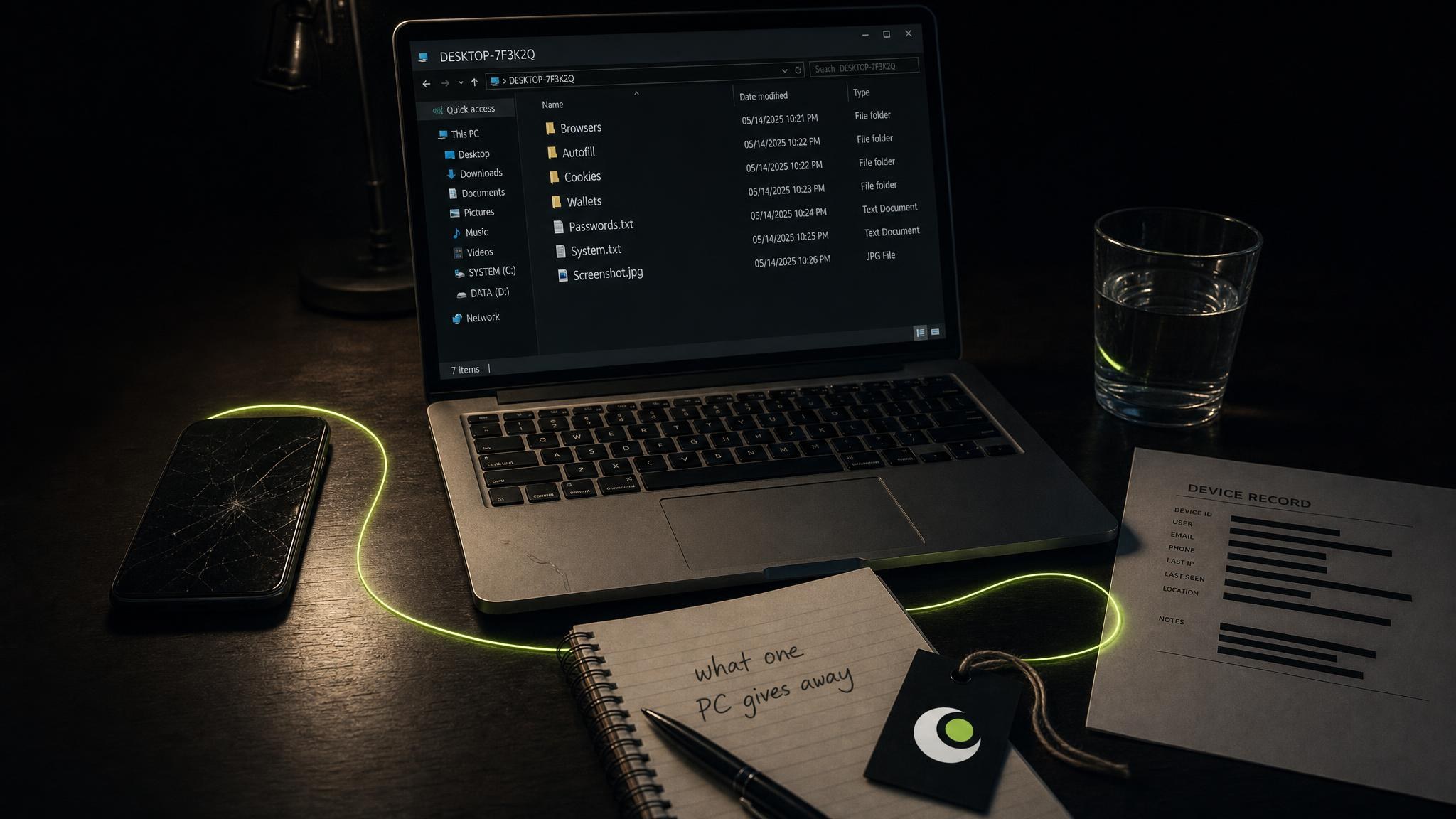
A stealer log is the capture of one whole machine, not a single row. The same record usually holds the person's other saved logins and a fingerprint of the system. Together these often show whether the machine was company hardware or someone's own, and that answer decides the next step. Company hardware calls for an endpoint investigation. A personal machine calls for a change of policy.
The response that closes it
Work through these in order, because each step assumes the one before it has been done.
- Revoke sessions first. In Microsoft Entra ID an administrator can revoke a user's sessions from the user's overview page or with
Revoke-MgUserSignInSession. Microsoft notes two limits. Access tokens it has already issued last an hour by default, and session tokens issued by an application have to be revoked by that application. In Google Workspace an administrator can reset a user's sign-in cookies. That signs the user out of browsers and mobile devices, but not out of apps such as Gmail and Drive for desktop. - Reset the credential from a clean device. A new password typed on the infected machine is captured the same way the old one was.
- Rebuild the infected machine before anyone uses it again. Whether it is company hardware or someone's own, a Windows PC needs reinstalling from a USB installer made on another computer, with every partition deleted during setup. "Reset this PC" leaves the recovery and boot partitions in place, and malware can survive in them. A Mac needs erasing and reinstalling from Recovery. The reasons are set out in inside a stealer log.
- Put phishing-resistant MFA on everything the capture reached. CISA's fact sheet on phishing-resistant MFA names FIDO/WebAuthn and PKI-based authentication as the phishing-resistant forms, and calls them the gold standard. It is equally clear that any MFA is better than none, which was where the Snowflake accounts stood.
- Stop accepting sign-ins from devices nobody manages. Conditional access can require a managed or compliant device for SSO, which takes the family laptop out of the path entirely. Microsoft's token protection goes further. It accepts only sign-in session tokens bound to the device they were issued to, so a stolen token cannot be used from another machine. For browser-based apps it is still a preview, limited to a few Azure management apps.
- Close the personal-profile route. After its breach Okta configured Chrome Enterprise to stop staff signing in to Chrome with a personal Google profile on company laptops. It also began forcing administrators to sign in again whenever their network changed.
- Restrict the systems that hold the most data to trusted networks. Mandiant's conclusions from the Snowflake campaign included limiting traffic to trusted locations for the most valuable systems.
- Hold contractors to the same device rules as staff. Mandiant singled out contractors working on personal or unmonitored laptops as the condition that made the Snowflake entry point worse.
Keep watching the domain
A search is a snapshot of what has been posted so far. Logs keep arriving, and the Snowflake credentials circulated for years before anyone used them at scale. Credential monitoring heads the list of things Mandiant said the campaign had made urgent.
A standing monitor watches one asset or an entire domain and notifies you when it next appears. That means a new capture carrying your domain reaches you as an email, rather than at the next quarterly review. The number of monitors on each plan is on the pricing page.
Questions people ask
How do I check whether my employees' passwords have been leaked?
Search your company's email domain against both breach records and stealer logs, then search separately for the hostnames of your own sign-in pages. The first finds work addresses saved anywhere. The second finds credentials anyone typed into your systems. Treat stealer-log hits as more urgent than breach rows, because they come with the rest of the machine and often with cookies.
Does MFA protect against infostealers?
It protects against a stolen password, which is exactly the protection the Snowflake accounts lacked. It does not protect against a stolen session cookie, because the cookie is issued after the second factor has already been passed. Phishing-resistant MFA, short session lifetimes and tokens bound to a device close most of that gap.
Can an old stealer log still be dangerous?
Yes. The dates on a log record when it was posted and collected, not when the machine was infected. Mandiant found Snowflake credentials still valid years after they were stolen. An old hit is safe only once the password has been changed and every session on the account has been revoked.
Is a stealer log the same as a data breach?
No. A breach is one service losing the data it held about its users. A stealer log is everything one infected computer's browser held, across every site its owner used. For a company, that means one employee's home computer can expose more of its access than a breach at any single supplier.
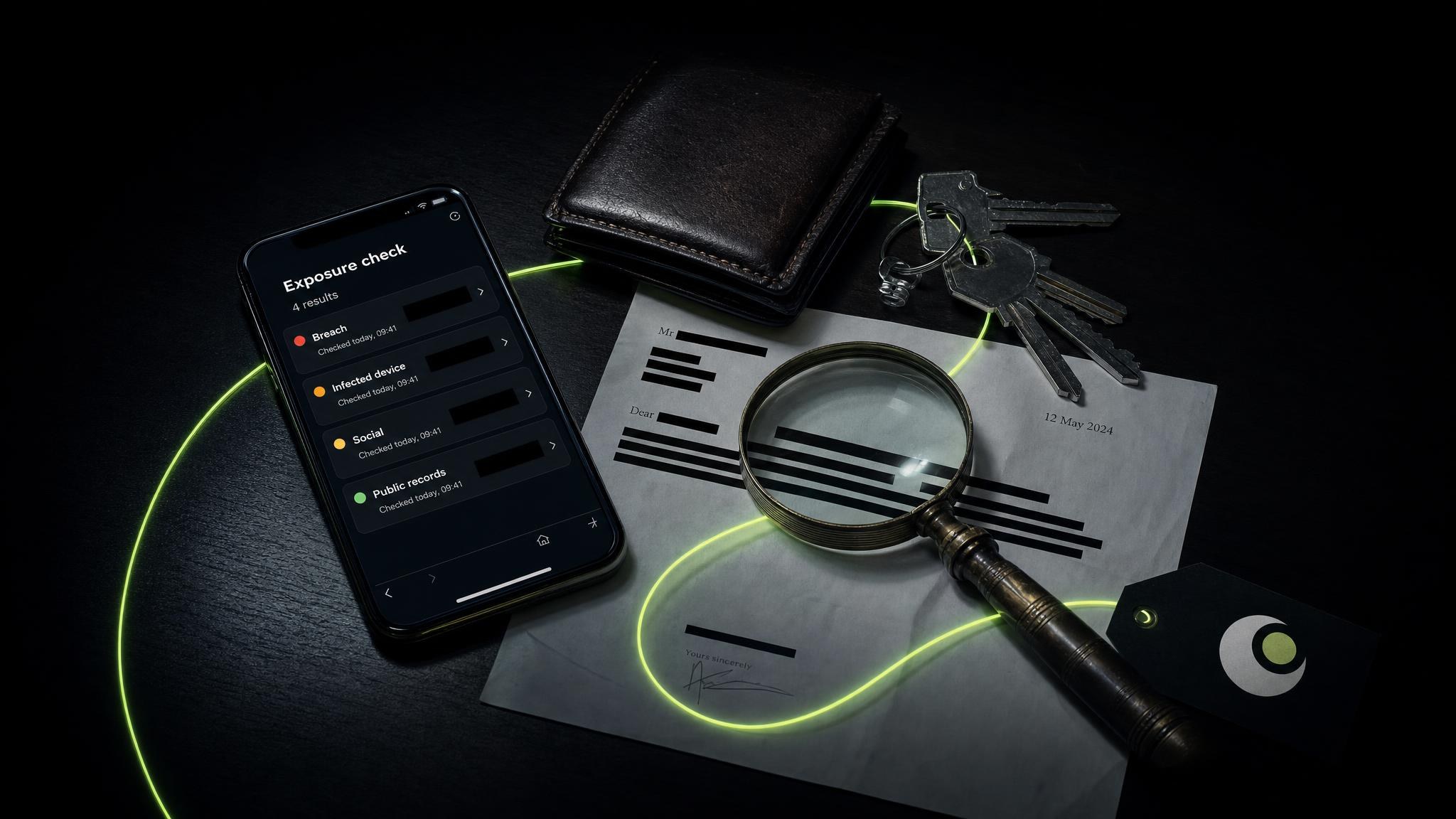
A first look at a domain is free on the exposure check, and no account is needed.